Collection Library
Attachments the chat has already loaded become a searchable library. Filter by type, sender, date, size or status, save exactly what you need, and export the list as JSON, CSV or caption text.
A Chrome extension for Telegram Web
TeleGrab collects the photos, videos and documents already in your chat into one searchable library. Filter, select, and download many at once. No bots, no passwords, and your files never leave your machine.
Features
From a single photo out of the media viewer to a whole month of files picked from the library and downloaded in one go.
Attachments the chat has already loaded become a searchable library. Filter by type, sender, date, size or status, save exactly what you need, and export the list as JSON, CSV or caption text.
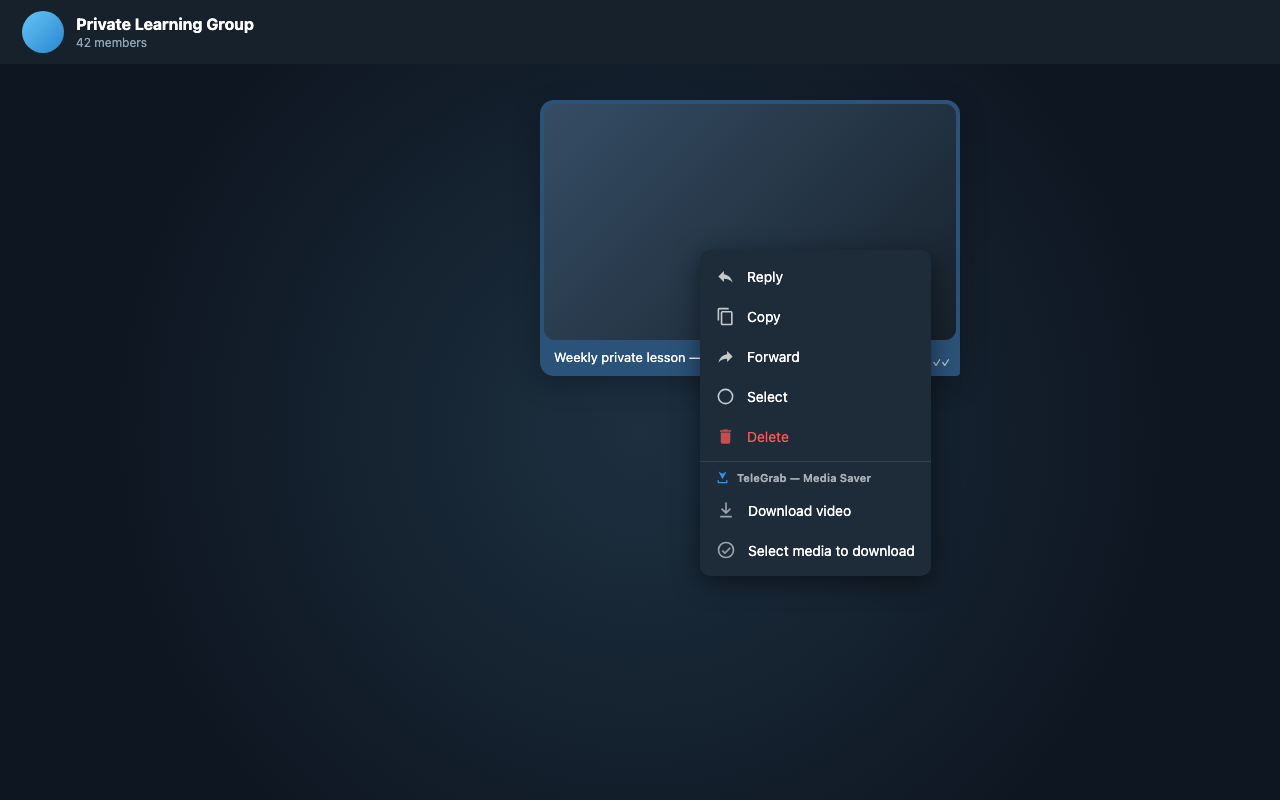
The download button sits in Telegram’s own media viewer, in the message right-click menu, and in the extension toolbar. Nothing about how you use Telegram has to change.
Copy the files you picked into your own Saved Messages without hunting for them on disk first.
 TeleGrab→Saved
Nothing passes through TeleGrab servers. Your download history and queue live in this browser only.
Take a message, an album, or everything loaded. Pause, resume, and retry individual files without starting the batch over.
Getting started
Add it in Chrome. No API ID, no bot token, no new account.
TeleGrab reads only the attachments Telegram has rendered on screen in that chat.
Save one file, select a batch, or open the Collection Library to filter and export.
Pricing
The free version covers everyday saving. Pro removes the daily limit and opens the whole workflow, for one payment.
Free
For the occasional save
TeleGrab Pro
One payment. No subscription.
Good to know
No. It reads only the media Telegram Web has already rendered in the chat you have open. It does not enumerate your chats and it does not call the Telegram API.
Only a file downloaded successfully, or a file sent successfully to Saved Messages. Browsing and filtering the library costs nothing.
No. It is one payment for Pro on one active personal browser installation. You can move it to a new computer by verifying the email used for purchase.
On your device, inside the Telegram Web session you are already logged into. The license service receives key-validation data only, never your files.
Telegram Web K and Web A in Chrome, on web.telegram.org and both clients’ own domains.
Yes. After payment, open the email from TeleGrab and click the secure activation button. It works whether the extension is already installed or you install it afterward.
Start with ten saves a day, then upgrade when TeleGrab becomes part of how you work.
Available now on the Chrome Web Store